Main gate turnstileAll systems operational
OnlineCanteen kiosks3 of 3 devices active
OnlineEntry confirmed · Main Gate
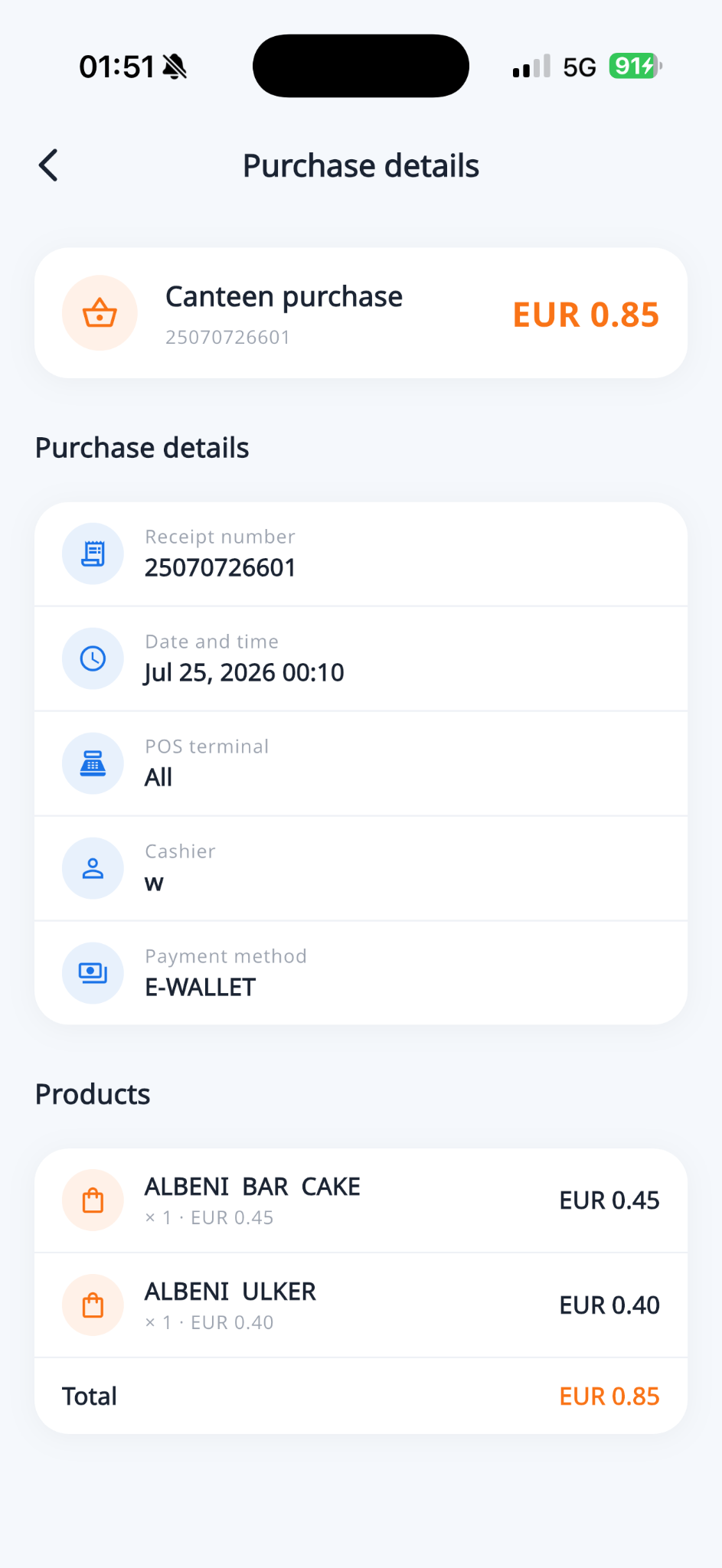
Canteen purchase · 80 MKD
Kiosk top-up · 500 MKD

Canteen payments, RFID access, kiosks, turnstiles and attendance—connected in real time, with clear visibility for schools and parents.
Main gate turnstileAll systems operational
OnlineCanteen kiosks3 of 3 devices active
OnlineEntry confirmed · Main Gate
Canteen purchase · 80 MKD
Kiosk top-up · 500 MKD

One connected platform across the school
CanPro joins the software and hardware schools use every day into one dependable operating system.
Fast RFID checkout, product management, wallet balances, receipts and fiscal printing from one cashier screen.
Learn moreOne student card for meals, top-ups and access—with optional dual, breakfast and dormitory wallets, full history and daily spending limits.
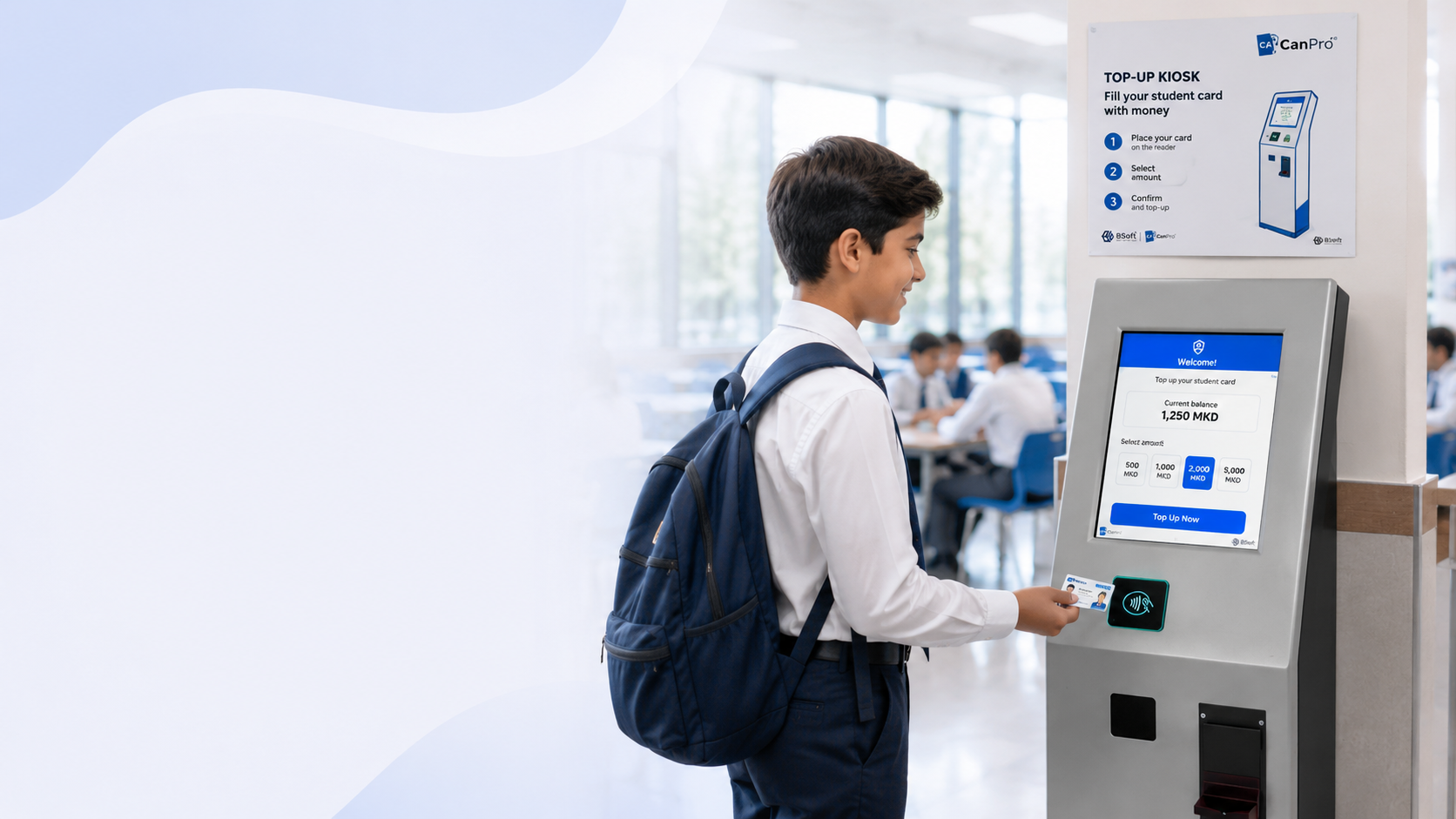
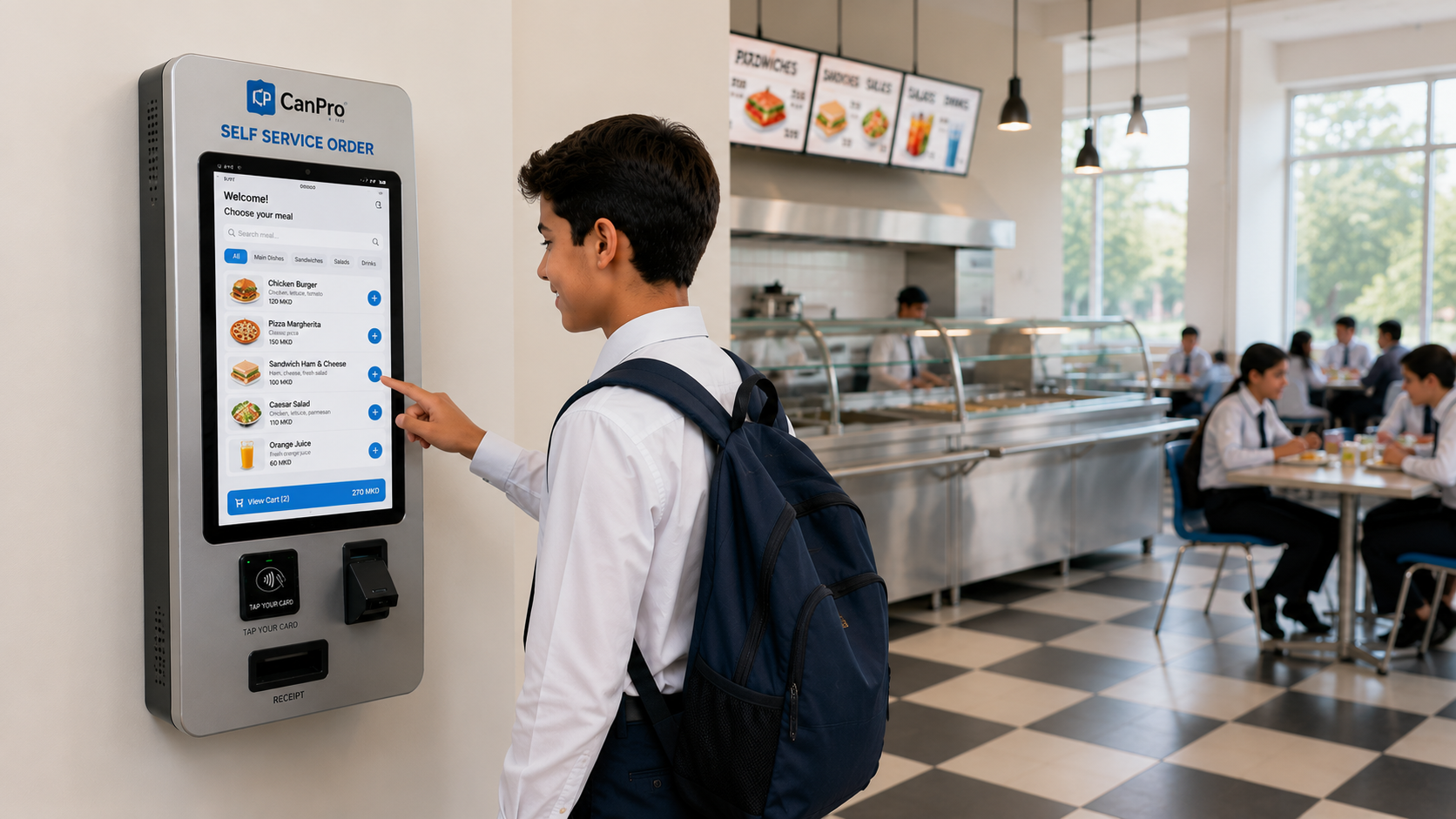
Learn moreSeparate terminals for cash top-up and meal ordering—students check balances, add funds or order independently while queues keep moving.
Learn moreControl entry at school gates and canteen access points with RFID readers, live status and configurable access rules.
Learn moreRecord every check-in and check-out automatically and make live attendance visible to authorised school staff.
Learn moreGive parents balances, purchases, attendance, school announcements, low-balance alerts and card block requests in one multi-language app.
Learn more
CanPro connected
CanPro turnstiles can be installed at the school entrance and exit, as well as at the canteen. Students check in and check out with their RFID card, and parents immediately receive a real-time notification in the CanPro mobile app.
From the front gate to lunch and back home, every interaction becomes a clear, useful record—without creating more work for staff.
CanPro helps the canteen team serve students quickly while every purchase, balance and meal detail remains visible to authorised staff and parents.
Reliable devices, controlled access and software designed to work together—from one provider and one support team.
IN/OUT readers, access controllers and real-time gate status.
CanPro connectedSelf-ordering and balance services built for busy school corridors.
CanPro connectedRFID readers, receipt printers, displays and cashier-ready POS.
CanPro connectedMoney acceptors and supervised wallet top-up terminals.
CanPro connected
The CanPro kiosk lets students check their current balance, choose an amount and add money to their RFID card through a simple guided process.
Students can browse the school canteen menu, choose their meal and pay with their CanPro student card directly at the kiosk. Orders are sent to the canteen team immediately, helping staff prepare and serve food faster.
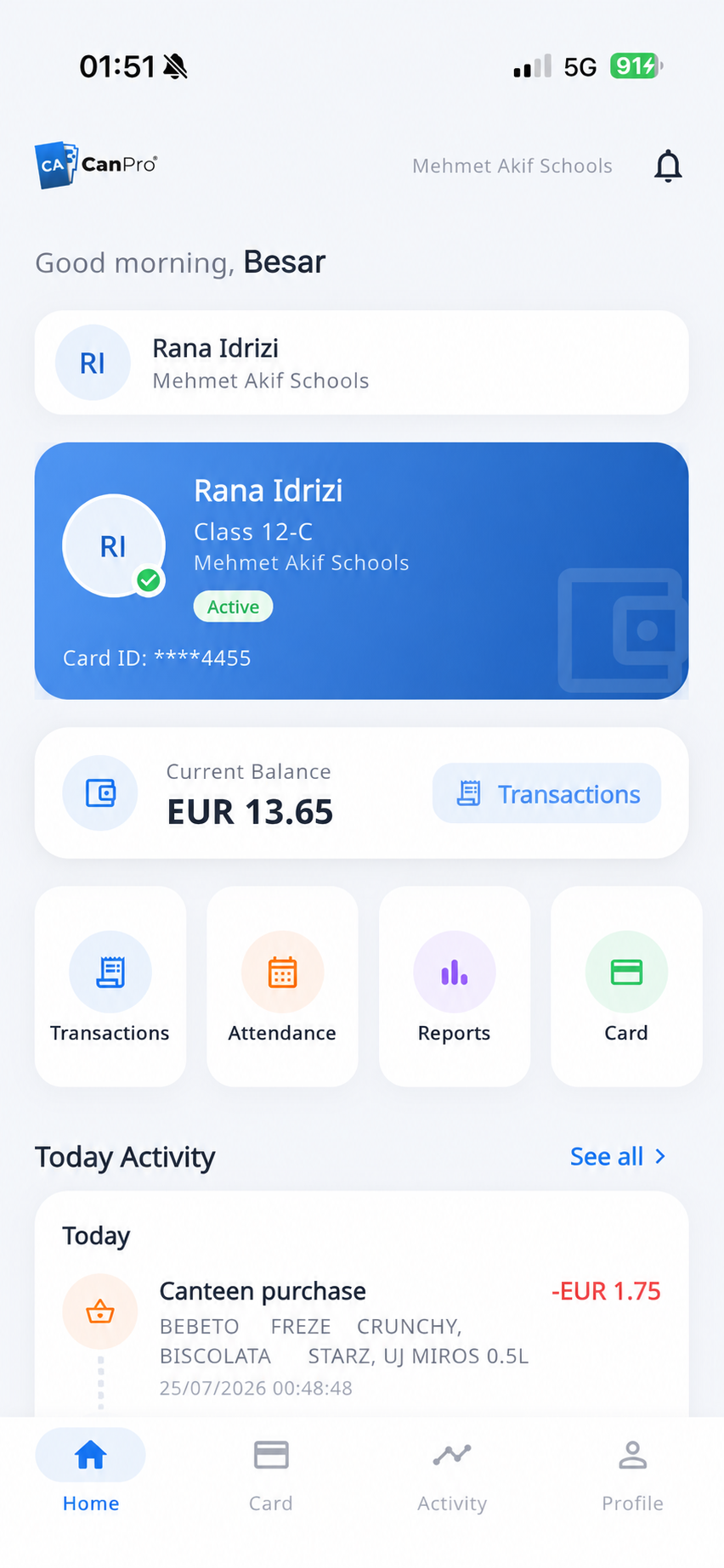
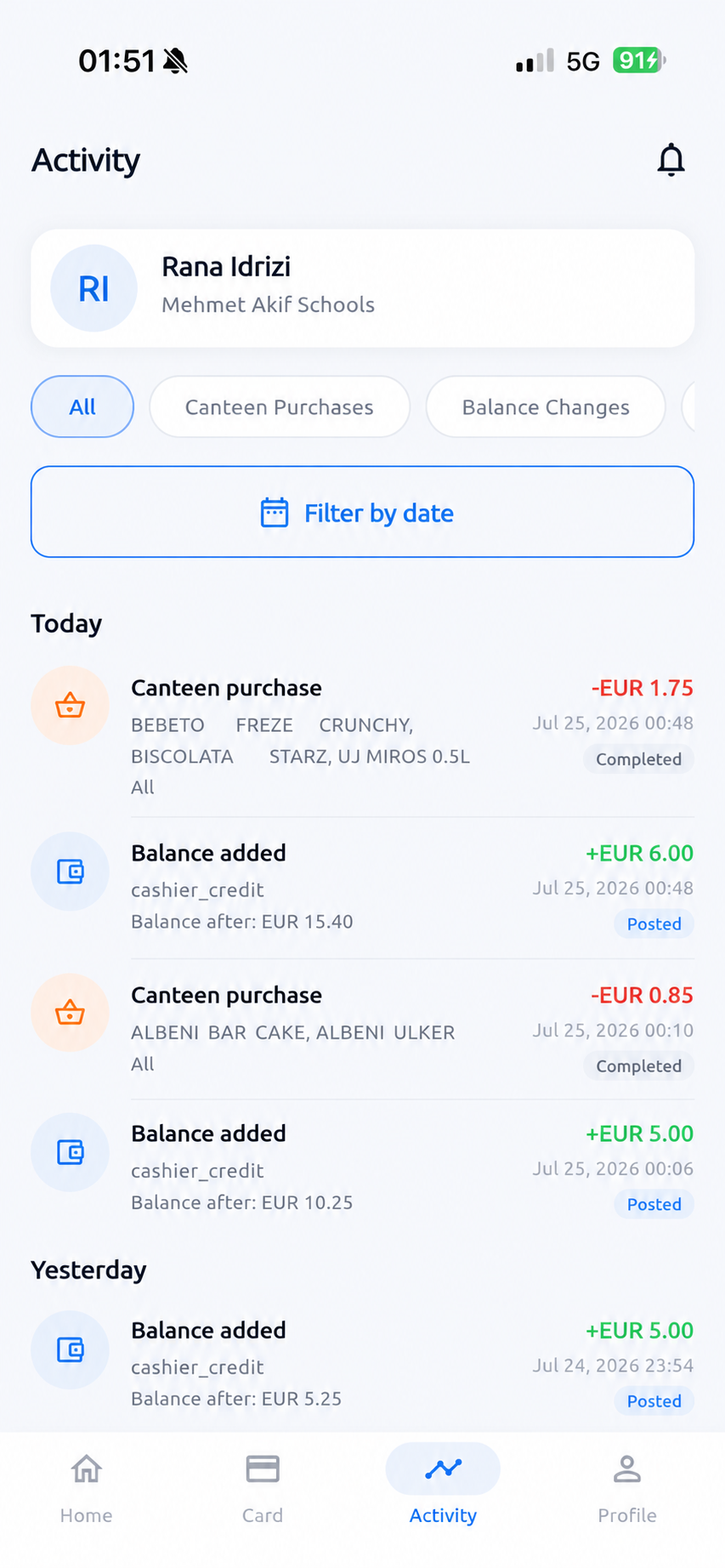
These are real screens from the CanPro mobile app. Parents receive real-time notifications when their child checks in or out through a school turnstile, after every canteen purchase, and whenever the student card is topped up at school. Families can securely view balances, product-level receipts, attendance, school announcements and complete card activity—for one child or several.
Parents access their child's canteen and attendance information through a protected account.

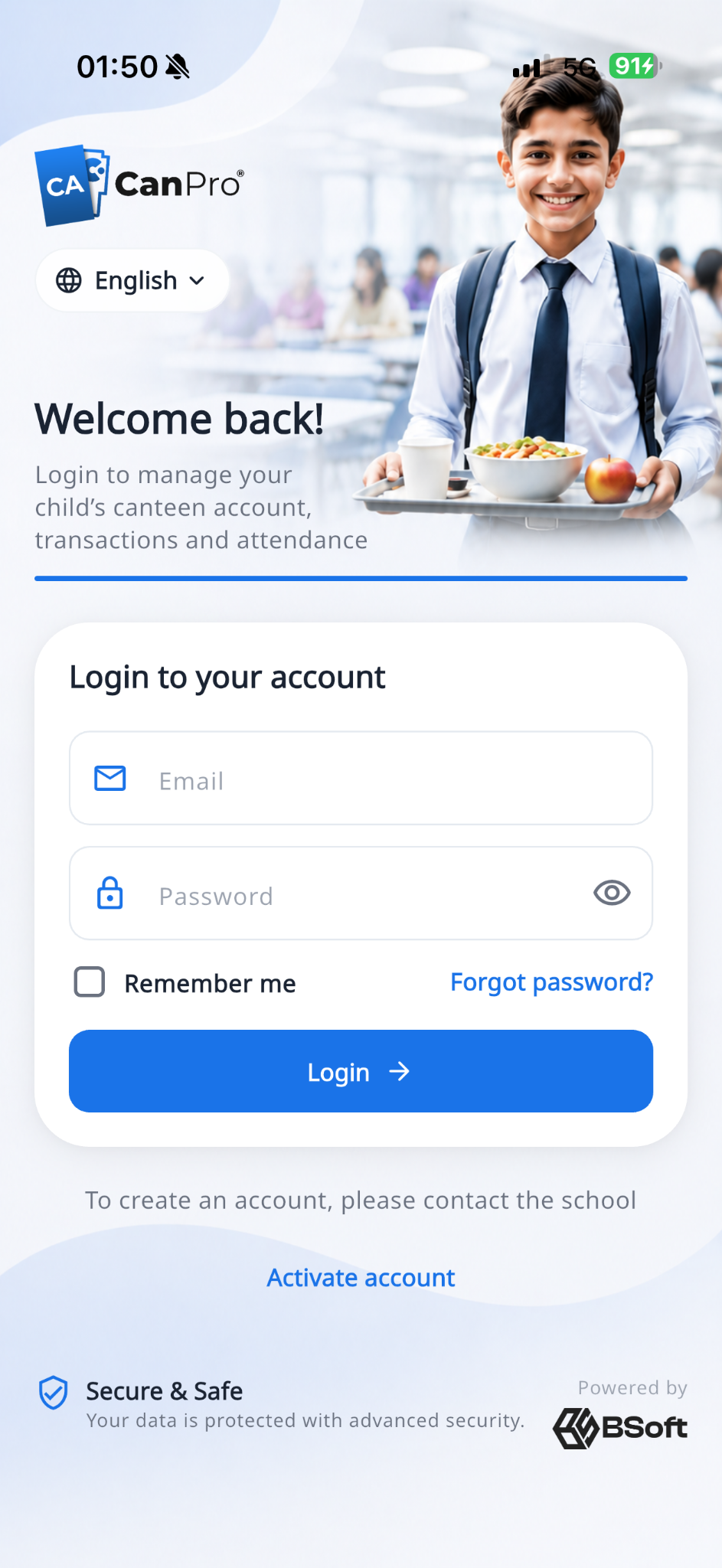
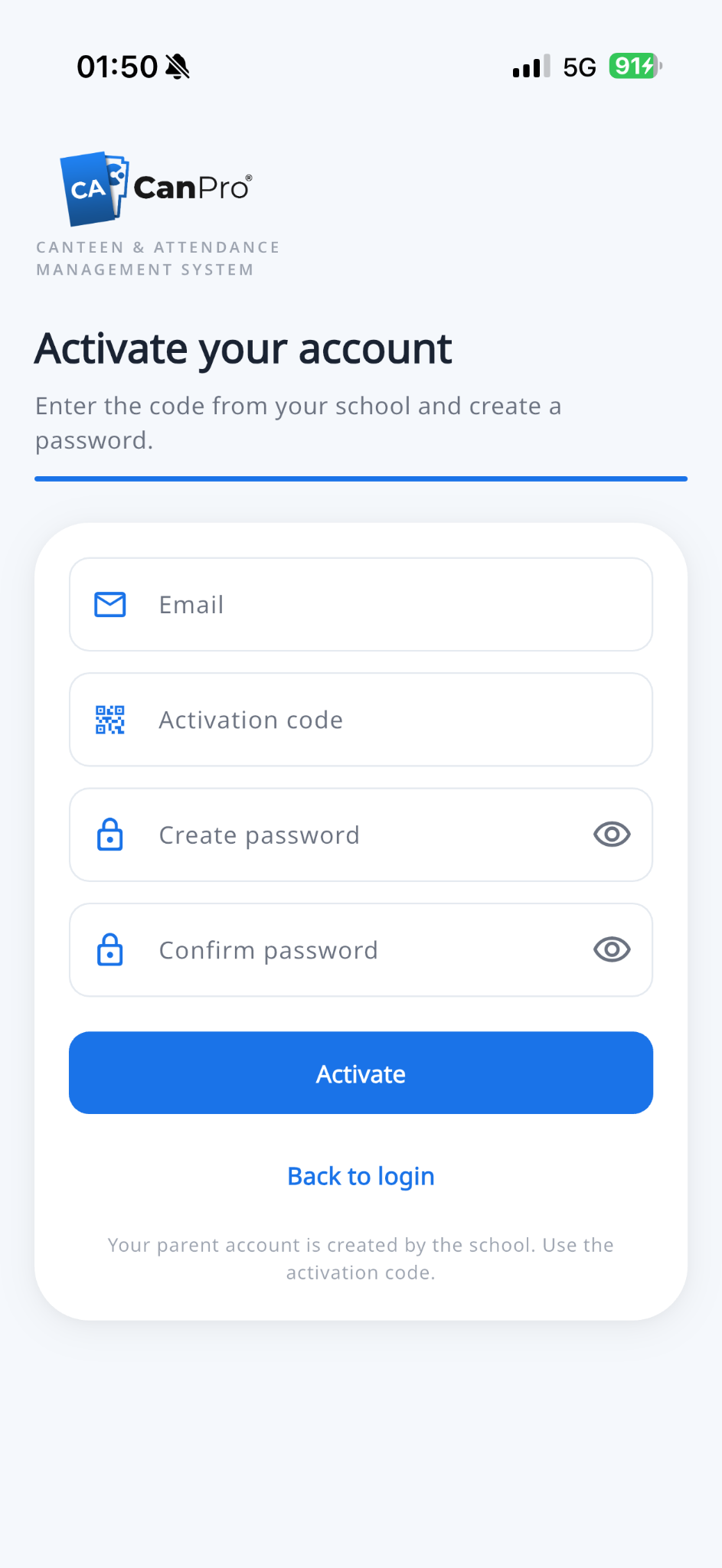
The school creates the parent account and supplies a unique activation code.

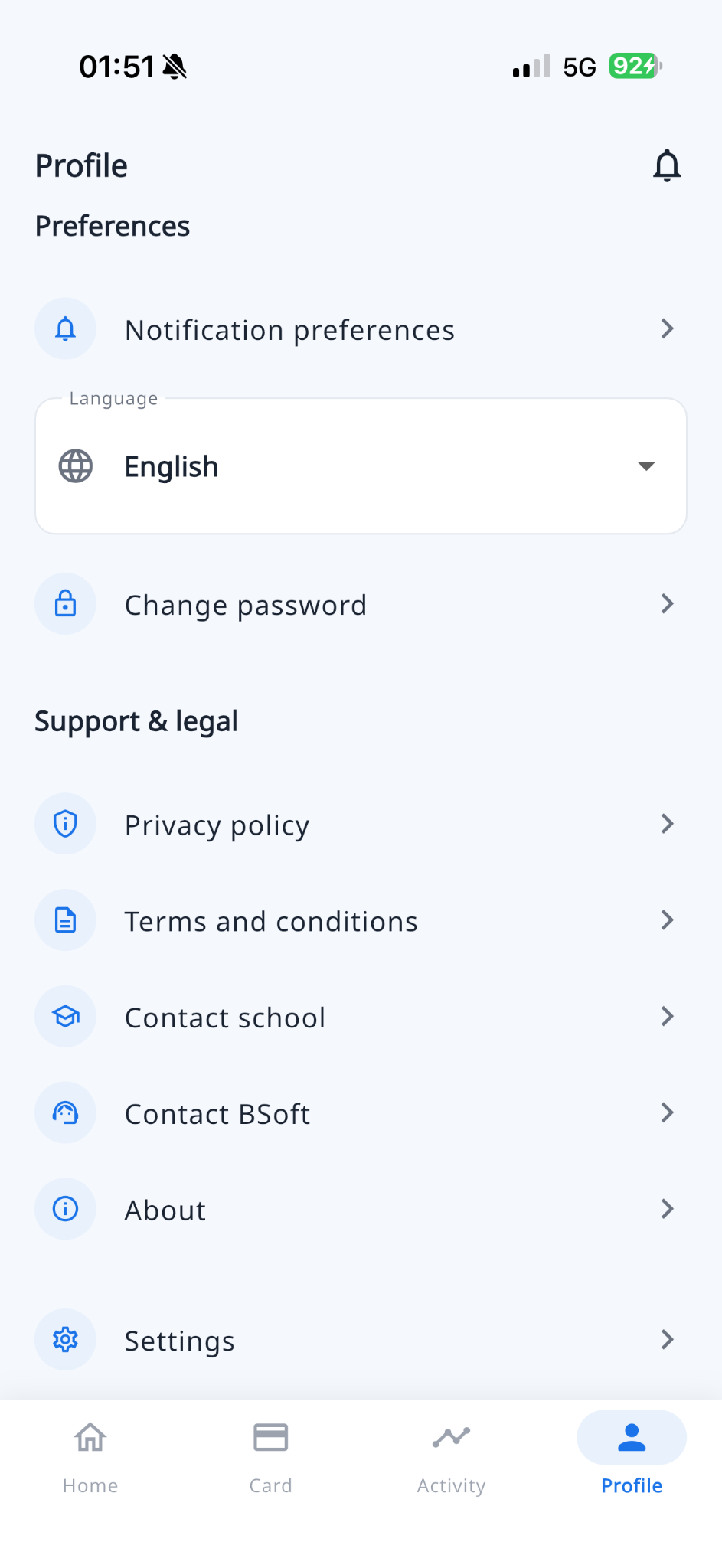
Notification preferences, language (EN / SQ / MK / TR), school contact and BSoft support in one place.
Schools publish notices from the desktop system; parents see them as in-app popups and push alerts.
When the school enables a daily canteen limit, parents see remaining spend clearly on the home screen.
Parents choose a threshold and get notified when the wallet falls to or below that amount.
One parent account can switch between linked children and follow each card separately.
Parents can request a card block or report a lost card; the school reviews and processes the action.
Wallets are topped up at the cashier or self-service kiosk. The app shows every credit—it does not process mobile payments.
Managers, cashiers and authorised staff get the right tools and the right level of access—without switching between disconnected systems.
CanPro helps schools keep operational data organised, access restricted and essential services dependable.
Give every team member only the functions and information required for their role.
Keep traceable records for wallet transactions, student access and administrative actions.
Support reliable school workflows with local hardware control and connected visibility.
Configure the school software and parent app for your community—English, Albanian, Macedonian, Turkish and German on desktop.
Every school is different. We help define the right combination of software, readers, kiosks and access hardware.
Talk to our teamIn many cases, yes. Compatibility depends on the card type and reader technology, which we confirm during the technical assessment.
Yes. CanPro is modular, so schools can begin with the canteen POS and wallets, then add kiosks, attendance, access control and the parent app.
Parents can view balances, purchases, top-up history, attendance, notifications, school announcements, daily spending limits and card status. They can request a card block, set low-balance alerts and switch between linked children. Wallet top-ups are done at school (cashier or kiosk), not inside the app.
Yes. Schools can use a general canteen wallet and, where needed, separate breakfast, main-dish or dormitory wallets—with daily limits and meal access windows synced to turnstiles and the parent app.
The system can be configured for more than one point of sale, kiosk or access point, with central reporting and permissions.
Yes. A CanPro project can include planning, hardware installation, system configuration, staff onboarding and ongoing support.
Tell us about your canteen, student cards and access points. We'll help you design the right software and hardware setup.